SeaChart
SeaChart FEEDBACK

Your feedback makes SeaChart better.

Share an issue, suggest a feature or tell us about a better price. We’re listening.

New post

Feedback

Released
H Pro
Forum organisation Currently the forum is one long page, and is getting longer every day which makes hard to find relevant posts My feeling is that it would be easier and better to devide the forum into section Announcement where you post updates and new features etc. Installation and use Bug reports Requests ... etc. Also if the forum is searchable, would make it easier similar topics and avoid duplication If the forum is made accessible on the website from computer that would be great Thank you for your patience Have a lovely day
+
H P 8 replies 935 views
Released
P Pro
Support Folders for Routes Add folder support for saved routes so users can better organize and manage a large number of routes. Proposed Features Allow users to create, rename, and delete folders. Allow routes to be moved between folders. Allow users to create routes directly inside a selected folder. Keep route folders compatible with route import/export where possible. Goal Make route management easier for users who have many saved routes, especially when routes are organized by location, trip, fishing area, or purpose.
+
P 1 reply 926 views
Released
H Pro
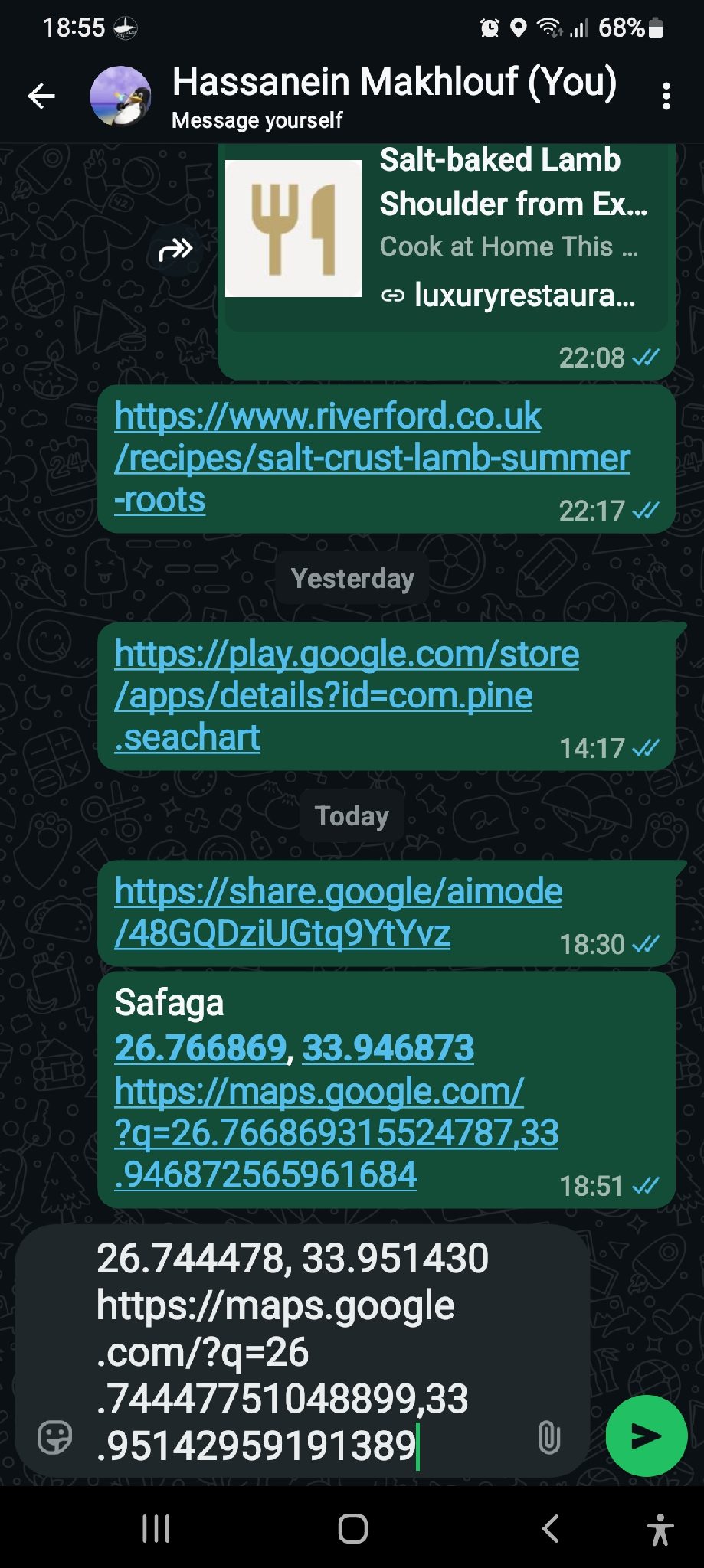
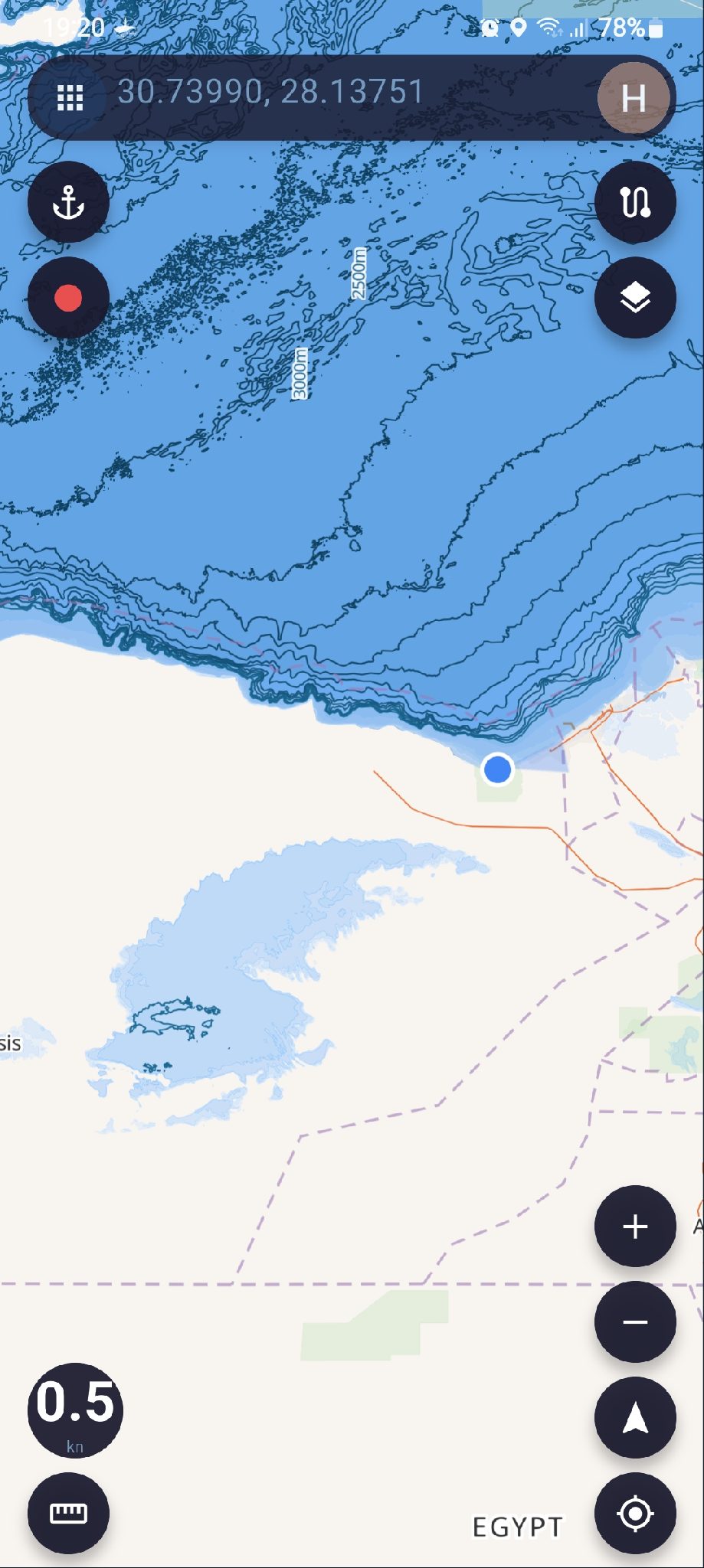
Sharing locations The easiest way to share locations is to select share from location info at the bottom and paste or share on WhatsApp Problem: link is formatted as Google maps format and clicking that link opens in g maps with no other choice. copying the link and paste in seachart search doesn't work, seachart can not decifer g map format even if you force open with... seachart is no available as choice can anything be done to register seachart as a navigation app and can it decifer g map formatted link Thanks in advance
Photos & videos
+
H P 6 replies 891 views
Released
P Pro
Fishing Moments – User Cases 1. Browse Posts Users can enter Fishing Moments to browse content shared by other users. Each post may include: User avatar Username Publish time Images Videos Text content Location, if the user chooses to share it Number of likes Number of comments Users can scroll down to browse more posts. 2. Publish a Post Users can publish their own fishing-related posts. A post may include: Images Multiple images Videos Text Location Users may publish an image by itself or add text to describe the post. 3. Add a Location When publishing a post, users can choose whether to include location information. Location is optional. Users can choose to: Hide the location Share an approximate location Share the exact location Users who do not want to reveal their fishing spot can choose to keep the location hidden. 4. View Images and Videos Users can tap an image in a post to view it in full screen. If a post contains multiple images, users can swipe left or right to browse them. Videos can be played directly from the post. 5. Like a Post Users can like posts they enjoy. Tapping the Like button again will remove the like. The current number of likes will be displayed on the post. 6. Comment on a Post Users can leave comments on other users' posts. Users can also reply to other comments. Users can delete comments they have posted themselves. 7. View User Profiles Users can tap another user's avatar or username to open their profile. A user profile may display: User avatar Username Profile description Public Fishing Moments posted by that user 8. Save a Post Users can save posts they are interested in. Saved posts can be viewed later from the user's saved-content page. Saved posts are private and are only visible to the user who saved them. 9. Share a Post Users can share Fishing Moments using the device's standard sharing options. For example: WhatsApp Messenger Facebook Other supported apps Users may also copy a link to the post and share it elsewhere. 10. Edit Your Own Posts Users can edit posts they have already published. Editable content may include: Text Images Videos Location Location privacy settings 11. Delete Your Own Posts Users can delete Fishing Moments they have published. Once deleted, the post will no longer be visible to other users. 12. Report Content Users can report inappropriate or problematic content. Report categories may include: Spam Offensive Content Inappropriate Content Copyright Other Reported content will be submitted to the administrator for review. 13. View Latest Posts Users can browse Fishing Moments by publish time. Recently published posts will appear first. 14. View Nearby Posts If users allow location access, they can browse nearby Fishing Moments that include publicly shared location information. The system will only use the location information that the post author has chosen to make public. Posts with hidden locations will not expose the user's actual fishing spot. 15. Browse Posts on a Map Users can browse Fishing Moments with shared location information on a map. Posts with public location information may appear as markers on the map. Tapping a marker can display: Images User information Post content If the user chooses to hide the location, the post will not reveal the exact fishing spot. Privacy Fishing spots can be sensitive information. Fishing Moments will not require users to publicly share their exact fishing location. When publishing a post, users can choose whether their location is: Hidden Approximate Exact Users remain in control of how much location information they choose to share.
+
P H 5 replies 846 views
In Progress
P Pro
Add High-Resolution Bathymetry Data Sources by Region We need to add and evaluate additional regional bathymetry data sources to improve depth chart quality in supported areas. These datasets should be used to replace or enhance the current lower-resolution sources where suitable, especially in regions where better official or open bathymetry data is available. United States Canada United Kingdom France and French overseas territories Ireland Denmark Netherlands Finland New Zealand
+
H P 4 replies 740 views
Released
H Pro
Thoughts on weather forecast It is my understanding is that weather data are downloaded to the device, and that the data is static until the next update my concern is that static weather data can become obsolete very quickly and becomes unreliable for planning several days ahead. My feeling is that it would be much better to have live real time data there are many weather services ( national, international, NGOs, scientific institutions) that provide free APIs You can use these to provide more reliable weather data from online sources For the times that the user is going to be completely offline, the option to download and cache local data may be useful If this is not feasible, I personally would not use the cached data in favour of using a dedicated reliable weather forecast app Thank you for your patience Have a lovely day
+
P H 13 replies 791 views
Cancelled
P Pro
Looking for AIS Testing Support in Auckland, NZ Hi everyone, Regarding the AIS feature, we are currently looking into how we can add and test this functionality properly. However, I personally do not own a boat, and buying one just for testing is obviously not realistic, as boats are quite expensive. So I would like to ask here: if anyone in Auckland, New Zealand is willing to volunteer and provide a testing/debugging environment for AIS, it would be a great help to us. If you are able to support this, please feel free to leave a comment here or contact us. Thank you very much for your support!
+
P 1 reply 709 views
Closed
P Pro
A Special Thank You to Our First Supporter! This morning, the app received its very first donation: $9.99. A huge thank you to the user who made this first contribution and supported the app. As a special thank-you for being the very first person to donate, we have granted you lifetime access to the Pro version of the app at no additional cost. Please note: This lifetime Pro access is a one-time special reward exclusively for the first donor. Future donations will not automatically receive lifetime Pro access. Every bit of support means a lot to an independently developed app. Thank you to everyone who continues to use the app, share feedback, and help make it better. I’ll keep working hard to improve the app and make it better with every update.
+
H P 2 replies 765 views

New post

Sign in