SEA CHART COMMUNITY
出海见闻,一起聊聊。
晒渔获、分享当地经验,记录你的出海旅程。
发布帖子
Feedback
P Pro
Pro
Feedback Time Is Incorrect
The reply time displayed on the Feedback screen is currently shown in UTC. It should be converted to the user's local time zone.
H Pro
Pro
Refinement: Selective Export
Currently export to file exporters all points and tracks
In most real use I want to export specific point or rout to share or import in another app
Adding selective export would be easier
long press point or rout can add export to the context menu would be nice
H Pro
Refinement: reports
I did a quick test and reported a hypothetical hazard
the reported point appears on the map
long press the point opens information panel
the point information is dimmed, very hard to read, and the whole panel automatically closes after about 3 seconds
The panel should remain open until dismissed to give the user the time to read the information and interact
Thanks
P Pro
The satellite layer was enabled accidentally
Because the route editor temporarily replaced the shared map-layer metadata with its own reduced style metadata.
The route editor intentionally has no satellite layer. After returning to the main map, Android no longer received an explicit visibility value for the main map’s satellite raster layer. Its native layer controller interpreted that missing value as “visible,” so the satellite tiles started loading even though the user had not enabled the layer.
The fix keeps the main map’s metadata intact, always sends an explicit satellite visibility value, and reapplies layer visibility whenever the native map style is recreated.
P Pro
Merge Route
Merge Routes Across Folders Fails
An error occurs when attempting to merge routes stored in different folders.
H Pro
Thank you
Thank you for the new version
Everything works as it should
The satellite layer is nice and loads relatively fast
The kml/gpx exports and imports saved points
All in all, great improvement
Thank you again
Have a lovely day
H Pro
Layer selection
SeaChart does not persist displayed selection
I deselected AIS and nots, but they are automatically selected at startup
Not a big issue for me, just information for you
Have a lovely day
P
1 条回复
622 浏览
P Pro
Nickname / Icon can be modified
Nickname / Icon can be modified
H Pro
kml / gpx error
I exported kml and gpx to test
Tried to import back, gives import error. no explanation
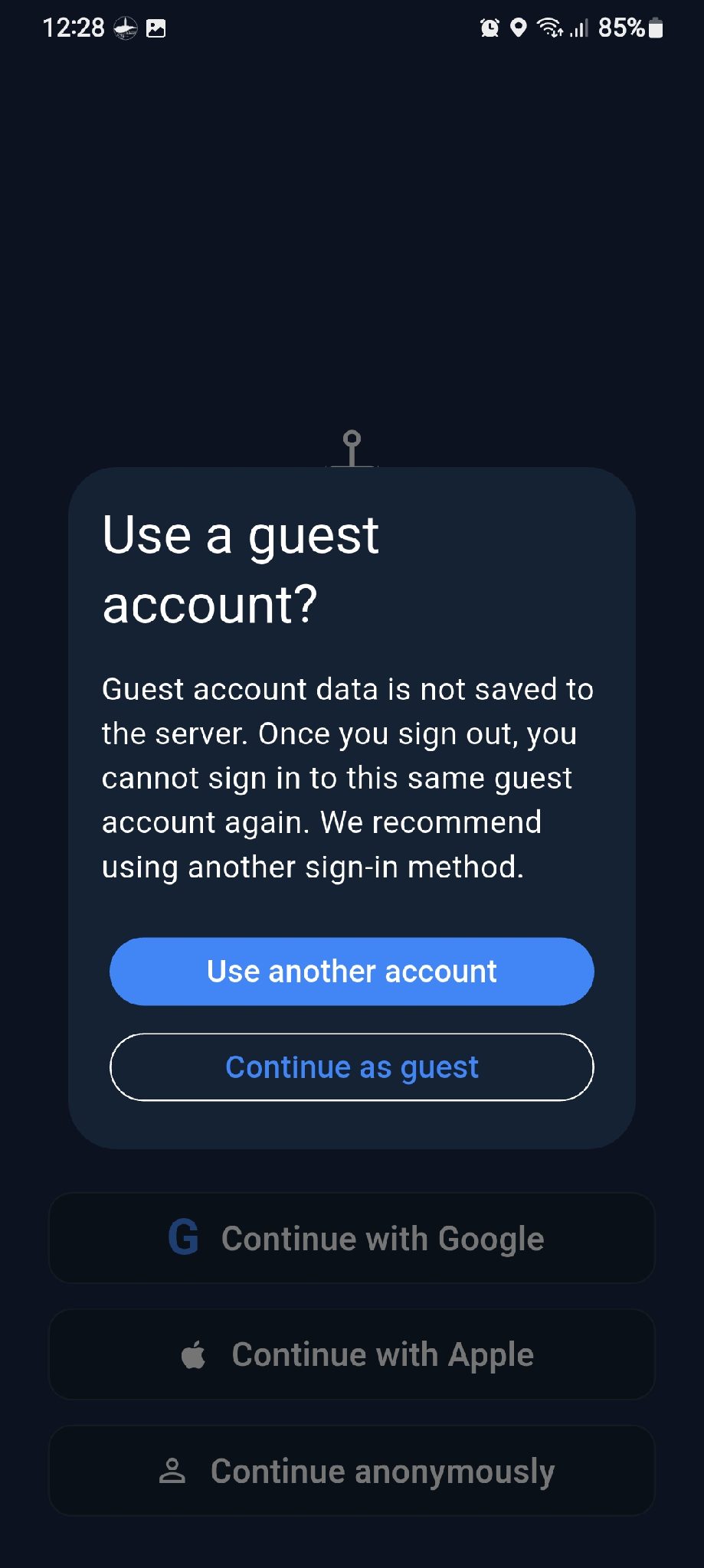
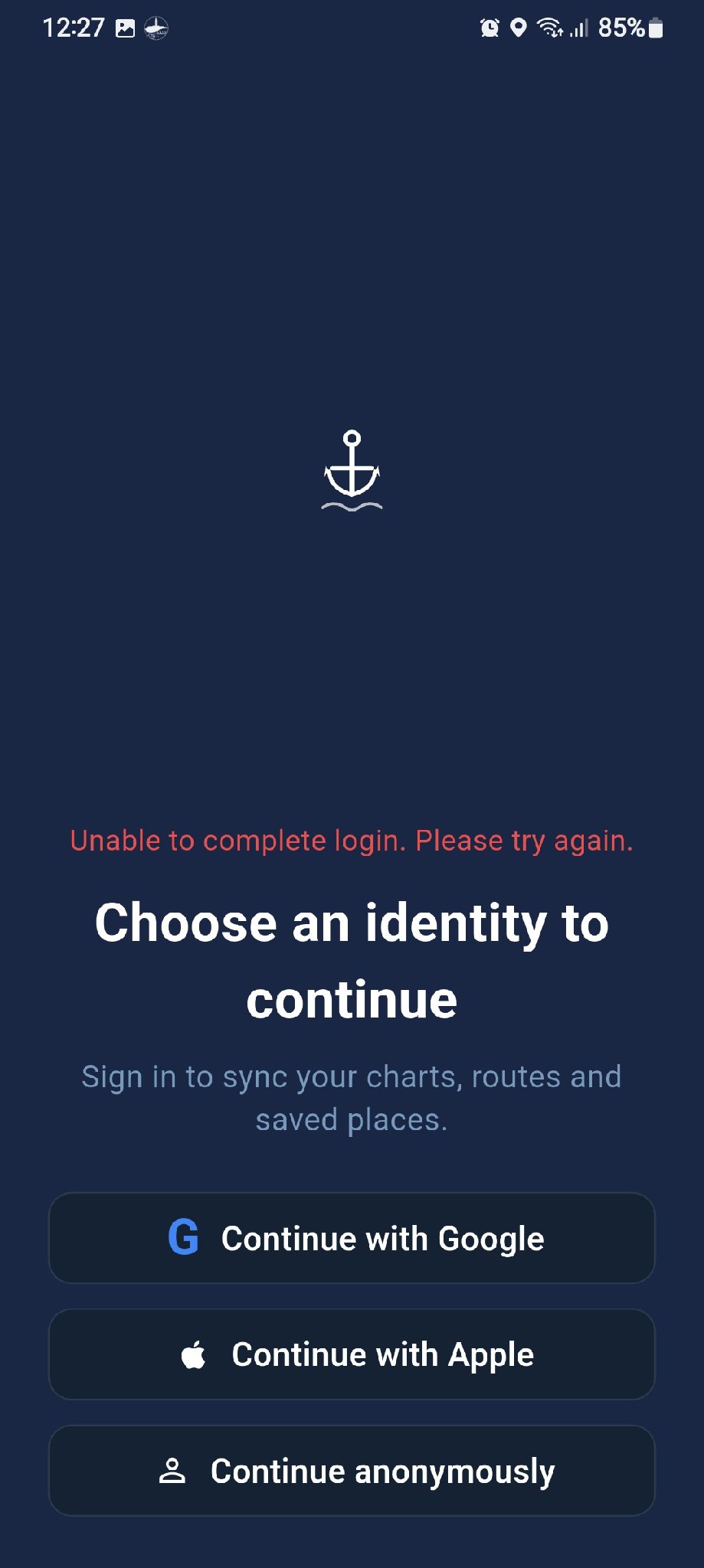
tried to open with seachar fro file manager, seachart starts but asks to login, and login fails ( see attached)
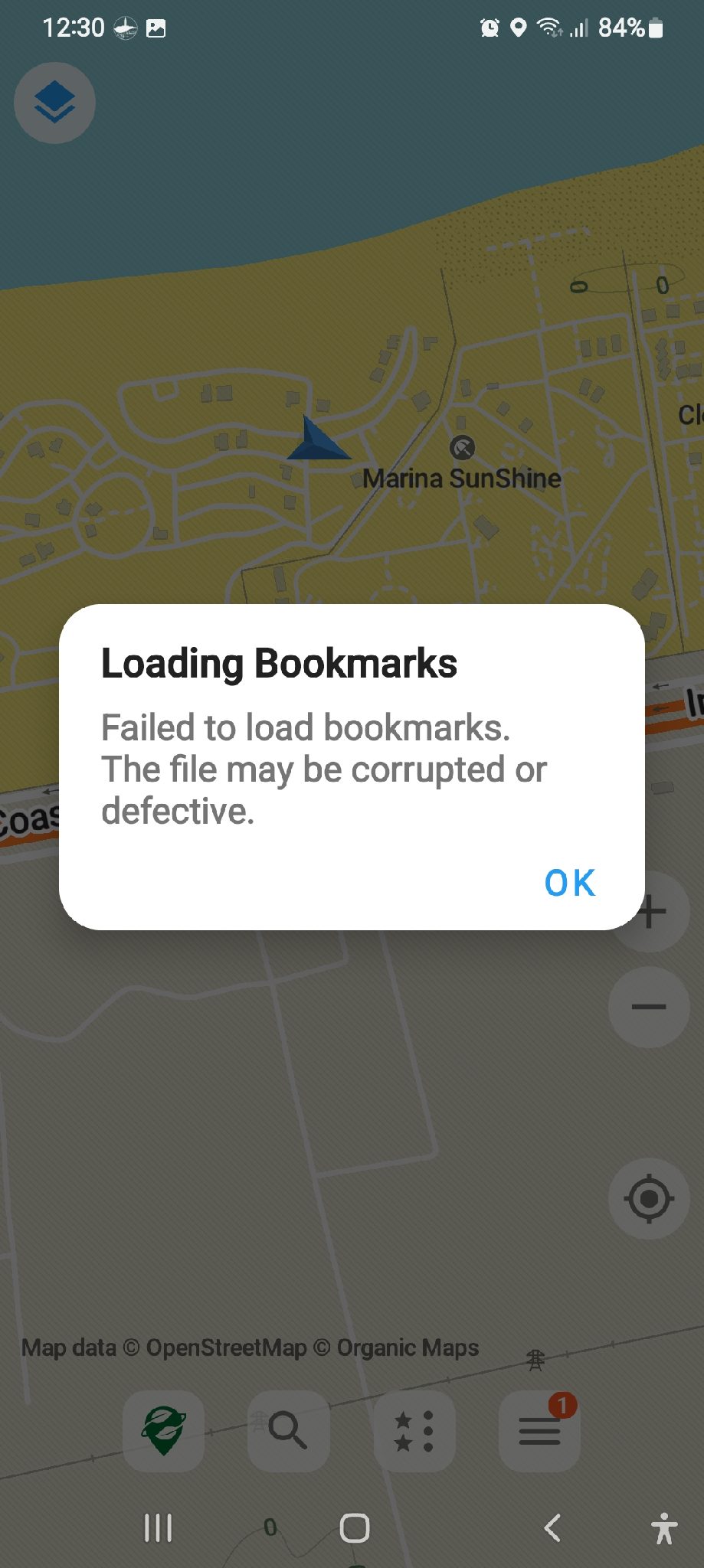
tried to open with organic maps, failed with error file is corrupt or malformed (see attached)
sorry for being such a nag
H Pro
Request unit selection
please add ability to select units for wind speed, distance, temperature, boat speed...etc
Thanks in advance
H Pro
Feature request: Import or use third party maps
The ability to import or overlay/underlay third party maps with transparency control.
Satellite maps
Sea Marker maps
etc.
H Pro
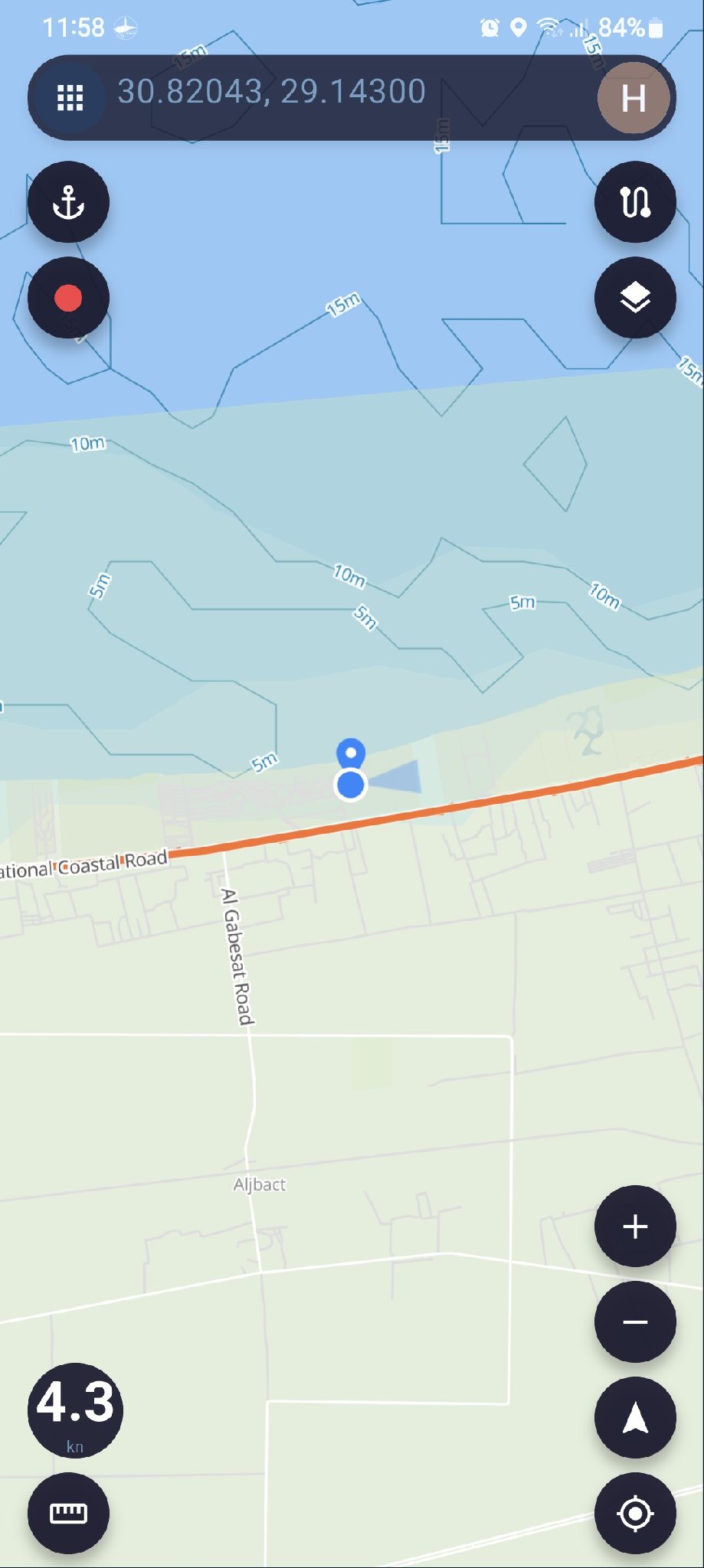
Strange behaviour
If I'm browsing a saved location (not current location) and I press either my location or heading orientation, the map jumps to my current location at a zoom level 17, and the +/- buttons do not work, you have to pinch them screen to change zoom level
zoom level 17 is far to much, and I find myself looking at location marker in the middle of empty screen
For me zoom level 12 is fine, may not work for others.
Is there a way to set a default zoom level or at least keep the previous zoom level when changing?
H Pro
Speed
When the phone is stationary, the speed meter still shows it is moving, and the reading keeps changing
Thanks and have a great day
P
2 条回复
494 浏览
H Pro
Forum organisation
Currently the forum is one long page, and is getting longer every day which makes hard to find relevant posts
My feeling is that it would be easier and better to devide the forum into section
Announcement where you post updates and new features etc.
Installation and use
Bug reports
Requests
... etc.
Also if the forum is searchable, would make it easier similar topics and avoid duplication
If the forum is made accessible on the website from computer that would be great
Thank you for your patience
Have a lovely day
P Pro
Support Folders for Routes
Add folder support for saved routes so users can better organize and manage a large number of routes.
Proposed Features
Allow users to create, rename, and delete folders.
Allow routes to be moved between folders.
Allow users to create routes directly inside a selected folder.
Keep route folders compatible with route import/export where possible.
Goal
Make route management easier for users who have many saved routes, especially when routes are organized by location, trip, fishing area, or purpose.
P
1 条回复
435 浏览
H Pro
Sharing locations
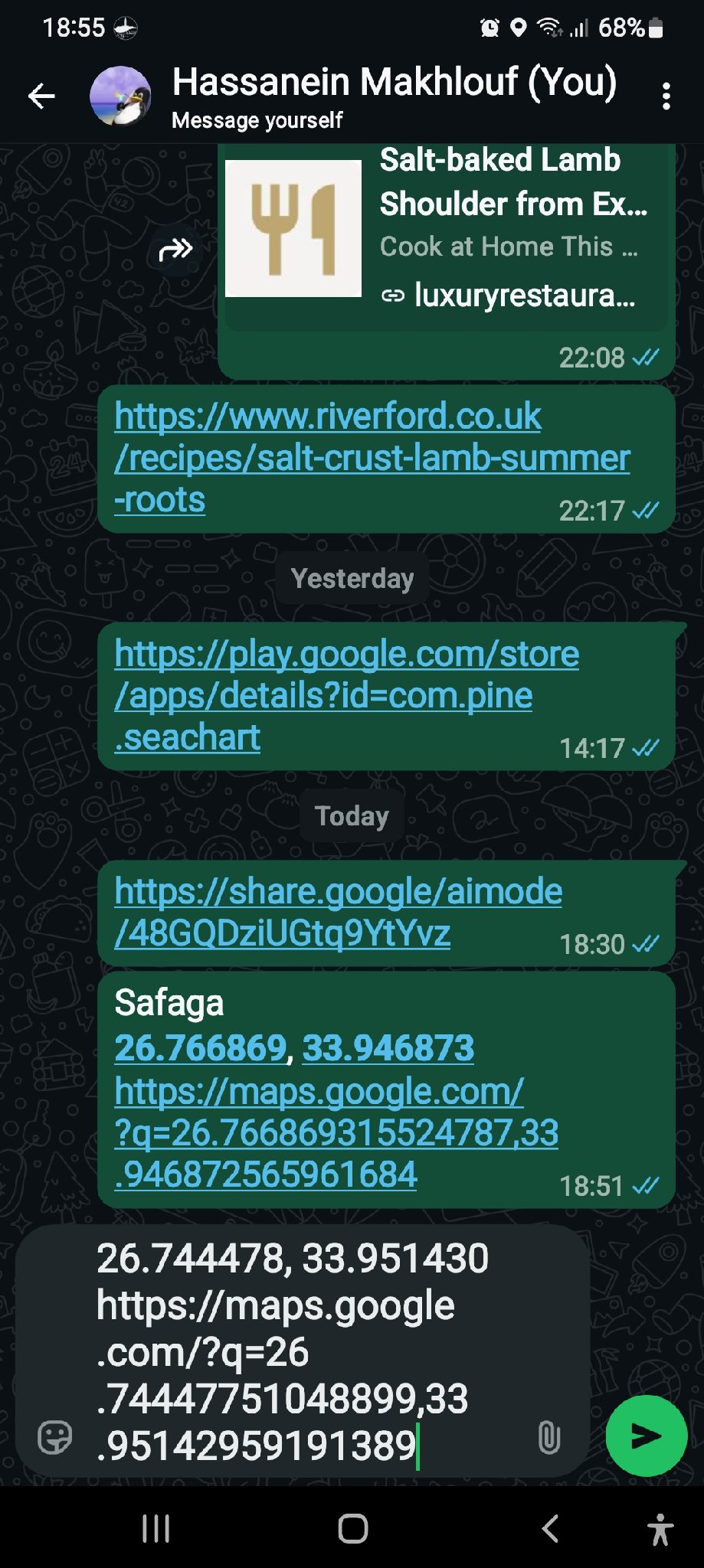
The easiest way to share locations is to select share from location info at the bottom and paste or share on WhatsApp
Problem: link is formatted as Google maps format and clicking that link opens in g maps with no other choice.
copying the link and paste in seachart search doesn't work, seachart can not decifer g map format
even if you force open with... seachart is no available as choice
can anything be done to register seachart as a navigation app and can it decifer g map formatted link
Thanks in advance
A Pro
Pro
ww
bagus
P
1 条回复
402 浏览
H Pro
Question about map details
There is an item in map details "Report"
What does that show?
Thanks in advance
P Pro
Fishing Moments – User Cases
1. Browse Posts
Users can enter Fishing Moments to browse content shared by other users.
Each post may include:
User avatar
Username
Publish time
Images
Videos
Text content
Location, if the user chooses to share it
Number of likes
Number of comments
Users can scroll down to browse more posts.
2. Publish a Post
Users can publish their own fishing-related posts.
A post may include:
Images
Multiple images
Videos
Text
Location
Users may publish an image by itself or add text to describe the post.
3. Add a Location
When publishing a post, users can choose whether to include location information.
Location is optional.
Users can choose to:
Hide the location
Share an approximate location
Share the exact location
Users who do not want to reveal their fishing spot can choose to keep the location hidden.
4. View Images and Videos
Users can tap an image in a post to view it in full screen.
If a post contains multiple images, users can swipe left or right to browse them.
Videos can be played directly from the post.
5. Like a Post
Users can like posts they enjoy.
Tapping the Like button again will remove the like.
The current number of likes will be displayed on the post.
6. Comment on a Post
Users can leave comments on other users' posts.
Users can also reply to other comments.
Users can delete comments they have posted themselves.
7. View User Profiles
Users can tap another user's avatar or username to open their profile.
A user profile may display:
User avatar
Username
Profile description
Public Fishing Moments posted by that user
8. Save a Post
Users can save posts they are interested in.
Saved posts can be viewed later from the user's saved-content page.
Saved posts are private and are only visible to the user who saved them.
9. Share a Post
Users can share Fishing Moments using the device's standard sharing options.
For example:
WhatsApp
Messenger
Facebook
Other supported apps
Users may also copy a link to the post and share it elsewhere.
10. Edit Your Own Posts
Users can edit posts they have already published.
Editable content may include:
Text
Images
Videos
Location
Location privacy settings
11. Delete Your Own Posts
Users can delete Fishing Moments they have published.
Once deleted, the post will no longer be visible to other users.
12. Report Content
Users can report inappropriate or problematic content.
Report categories may include:
Spam
Offensive Content
Inappropriate Content
Copyright
Other
Reported content will be submitted to the administrator for review.
13. View Latest Posts
Users can browse Fishing Moments by publish time.
Recently published posts will appear first.
14. View Nearby Posts
If users allow location access, they can browse nearby Fishing Moments that include publicly shared location information.
The system will only use the location information that the post author has chosen to make public.
Posts with hidden locations will not expose the user's actual fishing spot.
15. Browse Posts on a Map
Users can browse Fishing Moments with shared location information on a map.
Posts with public location information may appear as markers on the map.
Tapping a marker can display:
Images
User information
Post content
If the user chooses to hide the location, the post will not reveal the exact fishing spot.
Privacy
Fishing spots can be sensitive information.
Fishing Moments will not require users to publicly share their exact fishing location.
When publishing a post, users can choose whether their location is:
Hidden
Approximate
Exact
Users remain in control of how much location information they choose to share.
H Pro
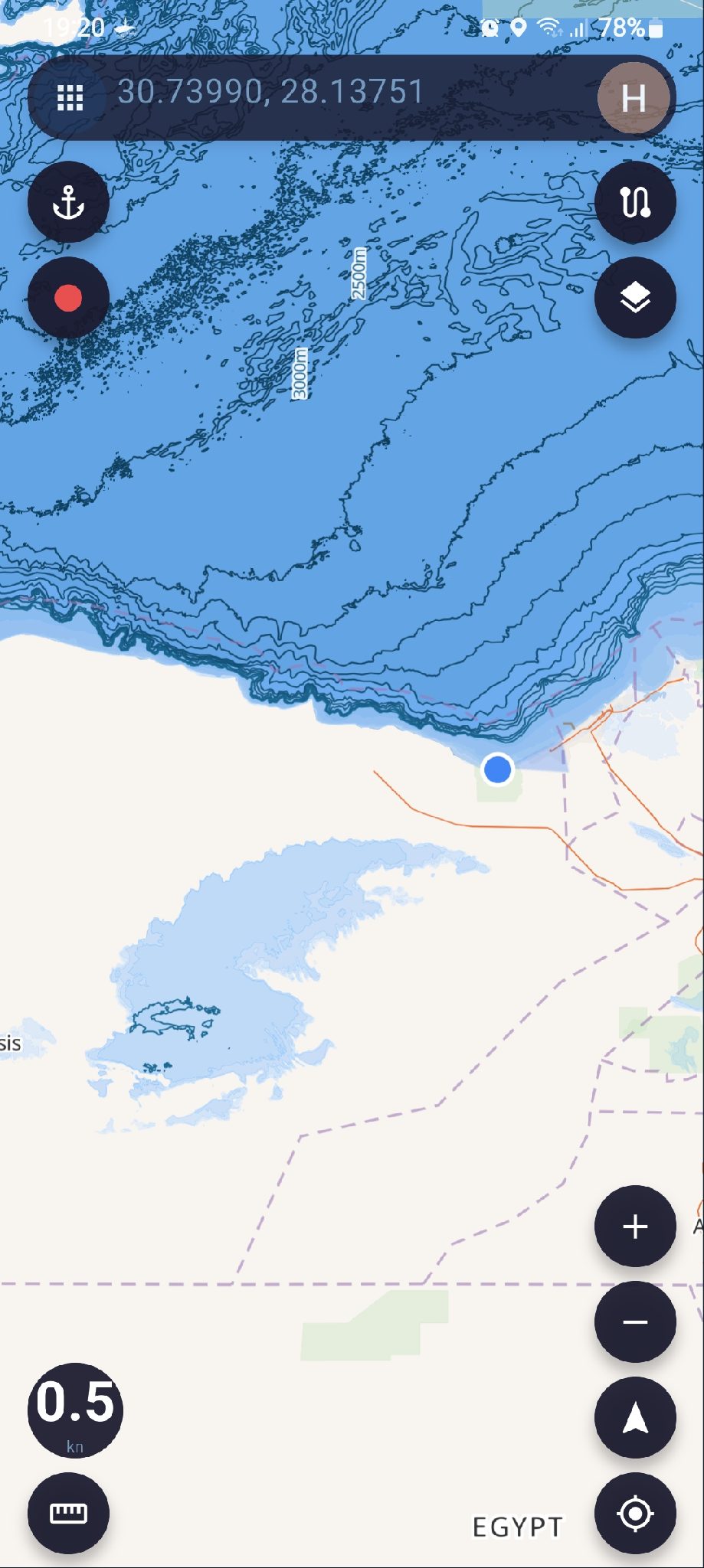
Egypt map anomaly
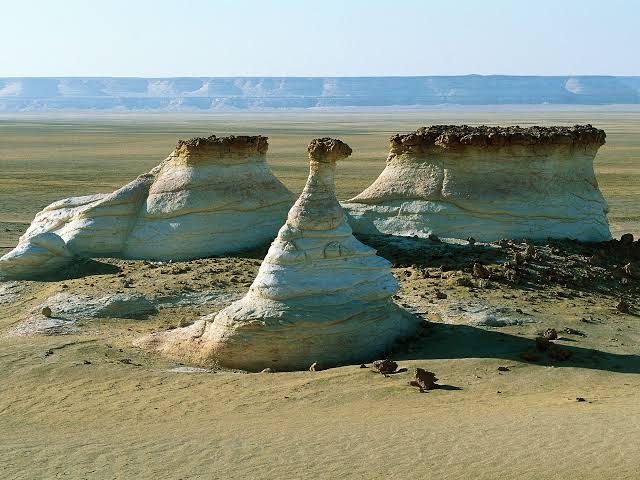
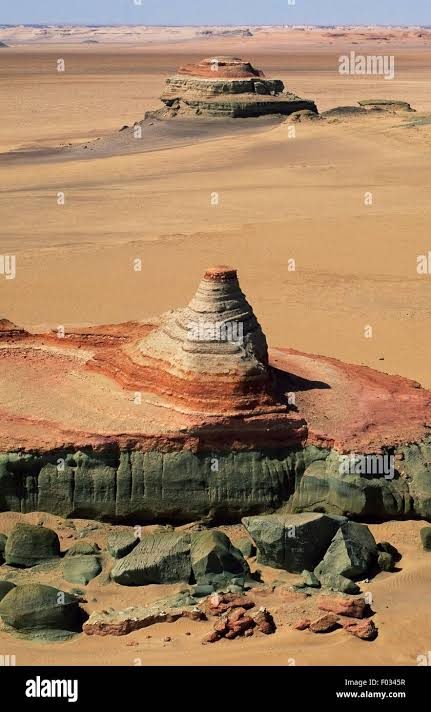
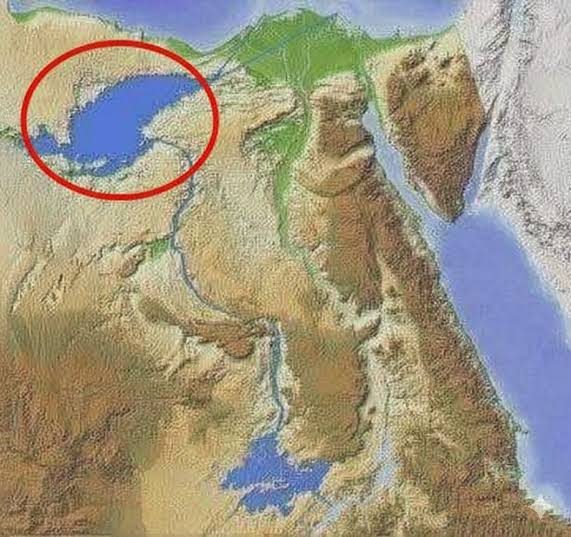
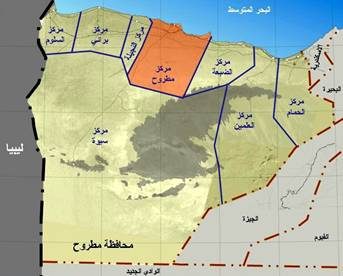
Egypt map is showing the Qattara depression as a water mas
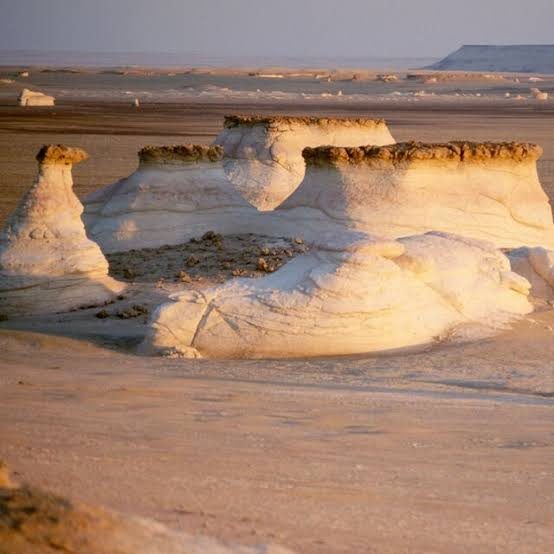
the depression is in Egypts Western desert, it is about 20000 square km, and goes down to 135 metres below sea level
It is a beautiful place, very popular with desert lovers but it is not water ;)
This is your useless information for the day ;)
All the best
 SeaChart