H Pro
Pro
Sorry
no outline or background
cheers
P Pro
Pro
Hi, thanks for the suggestion. Let me think about this a little more.
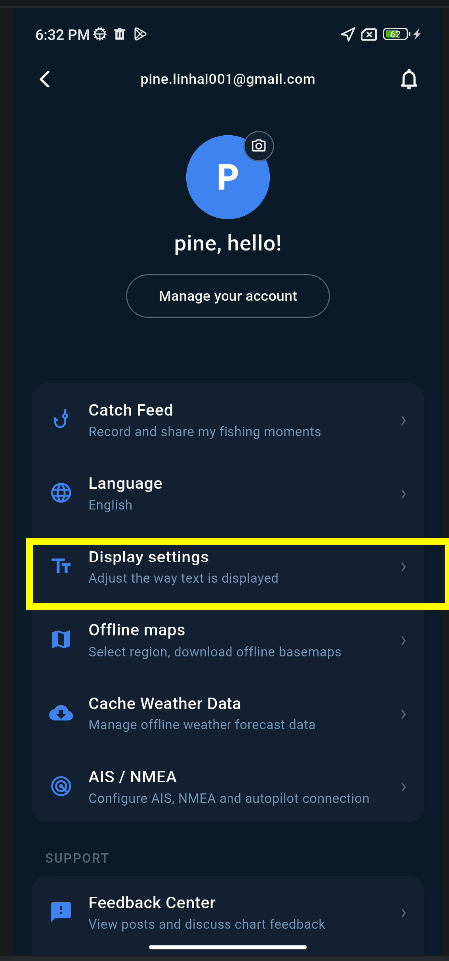
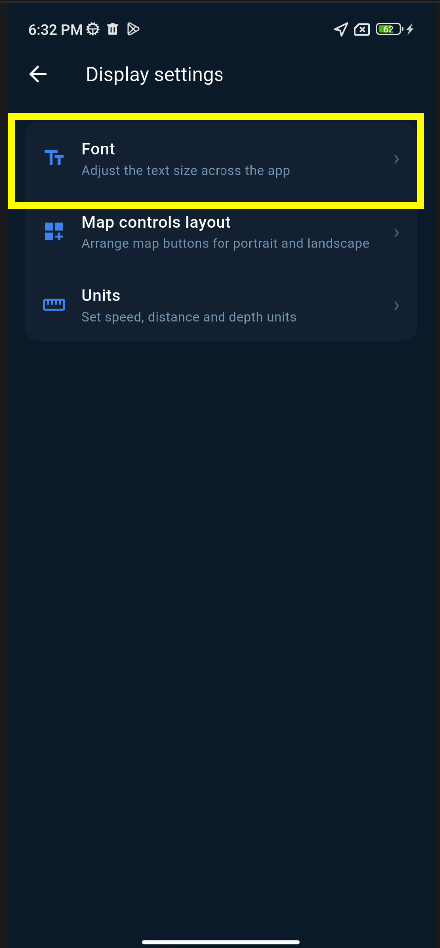
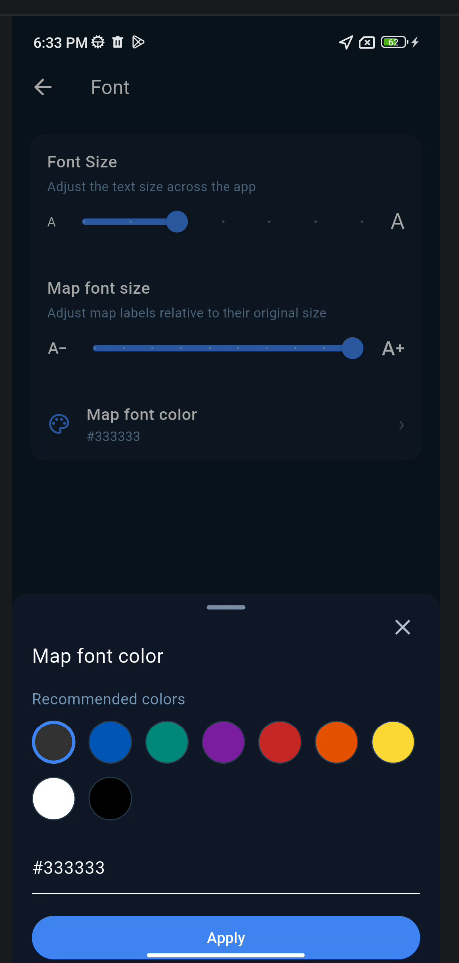
The next version will be a stable release. After that, I’ll look at whether the depth font size can be made configurable in Settings, so users can adjust it to their preference.
Thanks again for the feedback!
P Pro
I will release this change with next build (2.3.8)
Hope this works for you :)
H Pro
Thanks and sorry to be such a nag ;)
Have a lovely day
P Pro
Not at all! Your feedback is always appreciated and very helpful.
Have a lovely day too!
P Pro
I found a crash on 2.3.7, roll out a fix version 2.3.9 to fix this crash, this change roll out as well.
H Pro
Now I can read
Thanks
And thanks for the text editor, great improvement , love it
(can't add smilies or emogies? )
Another note
The fonts used seams to have a white outline, this makes it look fuzzy
Can you at your spare time test sans serif font monospace fonts
I believe that it will make the text sharper and easier to read
Loads of free fonts available
https://www.dafont.com/theme.php?cat=501
and loads more online
Thanks again
Cheers
H Pro
clarification
test without outline or background
thanks
 SeaChart