Catch Feed error
I did a test
posted 4 pictures, they appear in my app but not uploaded to server
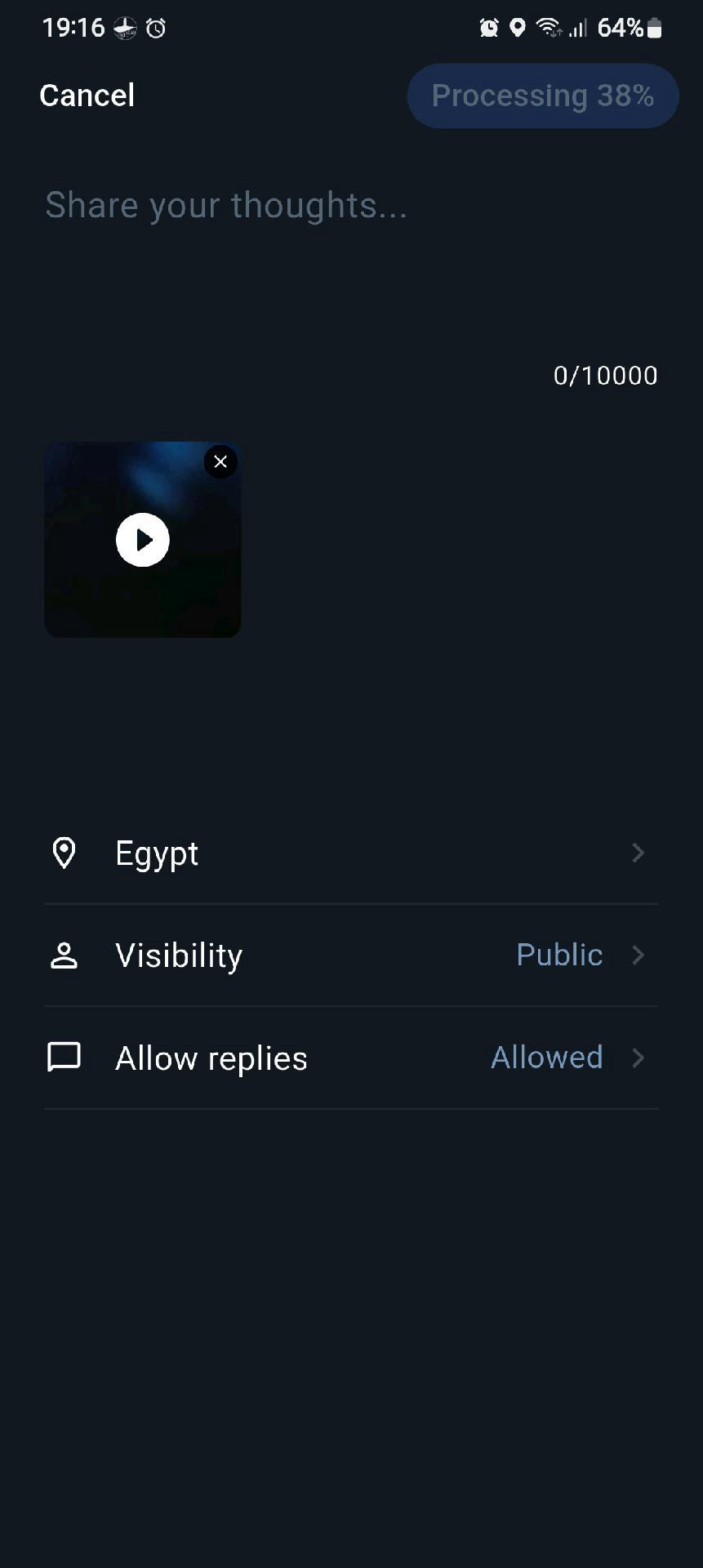
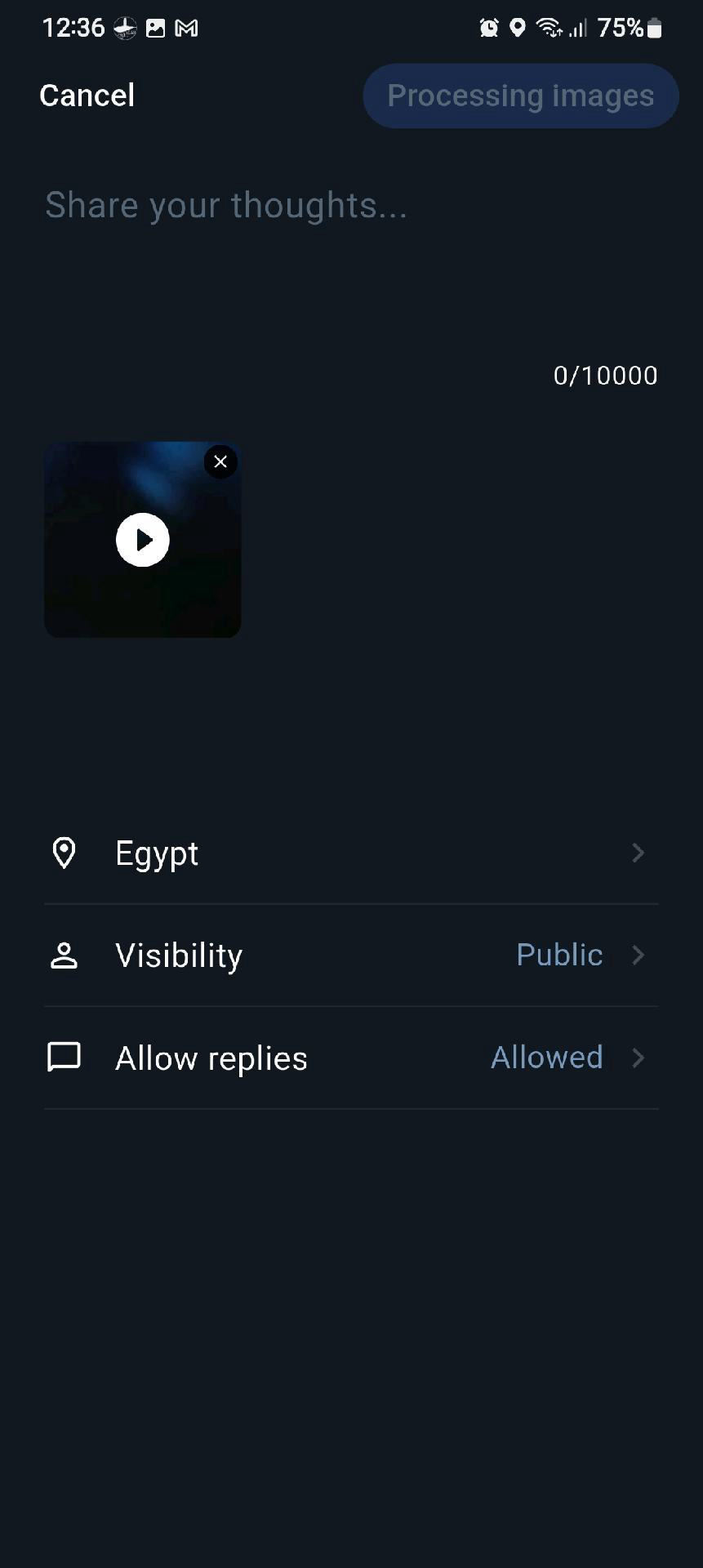
I also tried to post video, says processing images and nothing happened
All uploads are handled asynchronously. When you post photos, they are first saved to a local upload queue. They will then be uploaded to the server when the network connection is good.
This allows you to create and send posts even while offline, and the files will be uploaded automatically once a suitable connection is available.
The “Processing” message in the top-right corner means the video is currently being compressed.
I’ll add a progress indicator in the next version so you can see how far the processing has progressed.
I found another bug as well: after photos in Fishing Moments are uploaded, deleting the local cache can cause the images to display incorrectly before deletion. I’ll fix this issue at the same time.
I checked the code and tried fixing a few suspicious areas, but I couldn’t identify the actual root cause yet. I’ve added some diagnostic logging in the next version, so we can monitor it and see what happens.
video upload fails
it says processing and counts to 100 then starts again. repeat several times then the video disappears and says add photos or videos
Thought
Video. mp4 and photos. jpg are already compressed, they don't need to be compressed again, perhaps remove the compression step temporarily, also do a size check first and give a clear message if too big
## 1. Added Video Posting Flow for Moments
* Support recording videos and selecting videos from the gallery
* After selecting a video, users are taken to the video trimming screen
* Long videos allow users to drag and select the start and end positions
* Short videos automatically skip the trimming confirmation step
* Images and videos now use the same sending queue
## 2. Added Video Trimming Screen
Features include:
* Video preview
* Play / pause controls
* Draggable trimming range
* Cancel and Done buttons
* Loading state and error handling
* Support for portrait video preview
## 3. Updated Video Compression Logic
The video compression flow now:
* Reads video width, height, rotation angle, and duration
* Preserves the original video aspect ratio
* Outputs portrait videos in portrait orientation
* Current maximum output resolution:
* Landscape: 960×540
* Portrait: 540×960
* Preserves audio
* Fixes incorrect interpretation of Android trimming parameters
* Provides clearer error messages when compression fails
## 4. Added Full-Screen Video Preview Controls
When tapping a video thumbnail on the Moments compose screen:
* Opens a full-screen video preview
* Tap the video to play or pause
* Adds a draggable progress bar at the bottom
* Displays the current playback time and total duration
* Uses a dark gradient, green progress indicator, and circular seek handle
* Portrait videos use `BoxFit.contain` to prevent cropping
## 5. Refactored the Sending Flow
The following logic is now centrally managed:
* Media source selection
* Image / video selection
* Video trimming
* Media compression
* Adding media to the sending queue
This simplifies the previous sending flow and compose panel logic.
## 6. Updated Upload Limits
* Removed the client-side 10 MB video size limit
* Kept the 1 MB image size limit
* Larger compressed videos are now allowed to enter the upload queue
one more question
is the catch feed meant to be uploaded and displayed on the feedback centre or is it displayed locally
if locally, will other users posts downloaded to my device?
The Catch Feed is separate from the Feedback Centre.
Catch Feed posts are uploaded to the server so they can be shared with and viewed by other SeaChart users. They are not stored only locally on your device.
When you open the Catch Feed, posts from other users will be downloaded from the server as needed. Some data may be cached locally to make loading faster, but the main copy remains on the server.
The Feedback Centre is a completely separate system and is mainly for bug reports, suggestions, and feature requests.
Thank you for testing. I just checked the logs.
The issue was caused by an overflow in the video compression plugin I was using. I will switch to a different plugin, which should resolve the problem.
Thanks
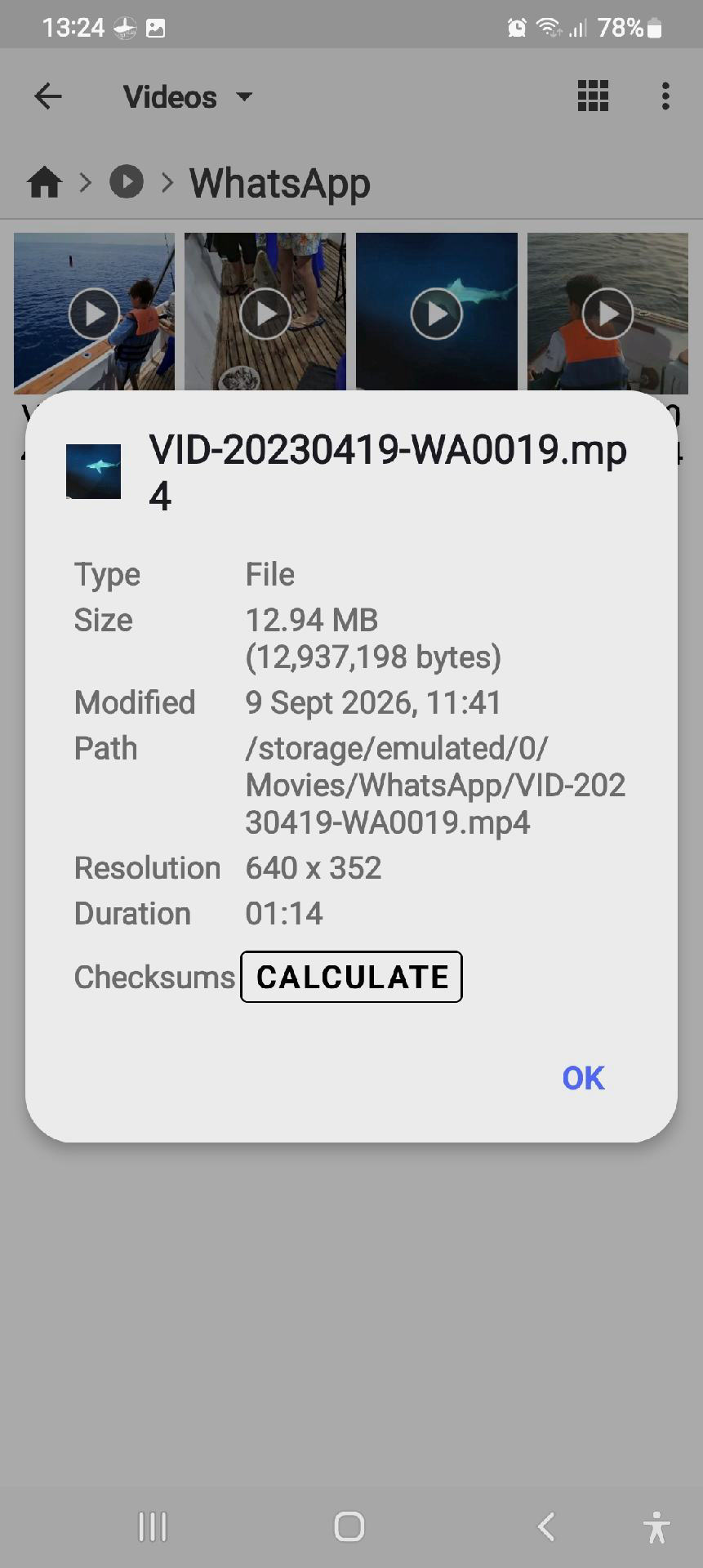
videos uploaded
The first video was trimmed automatically!! .removed the end !
I trimmed the second one manually
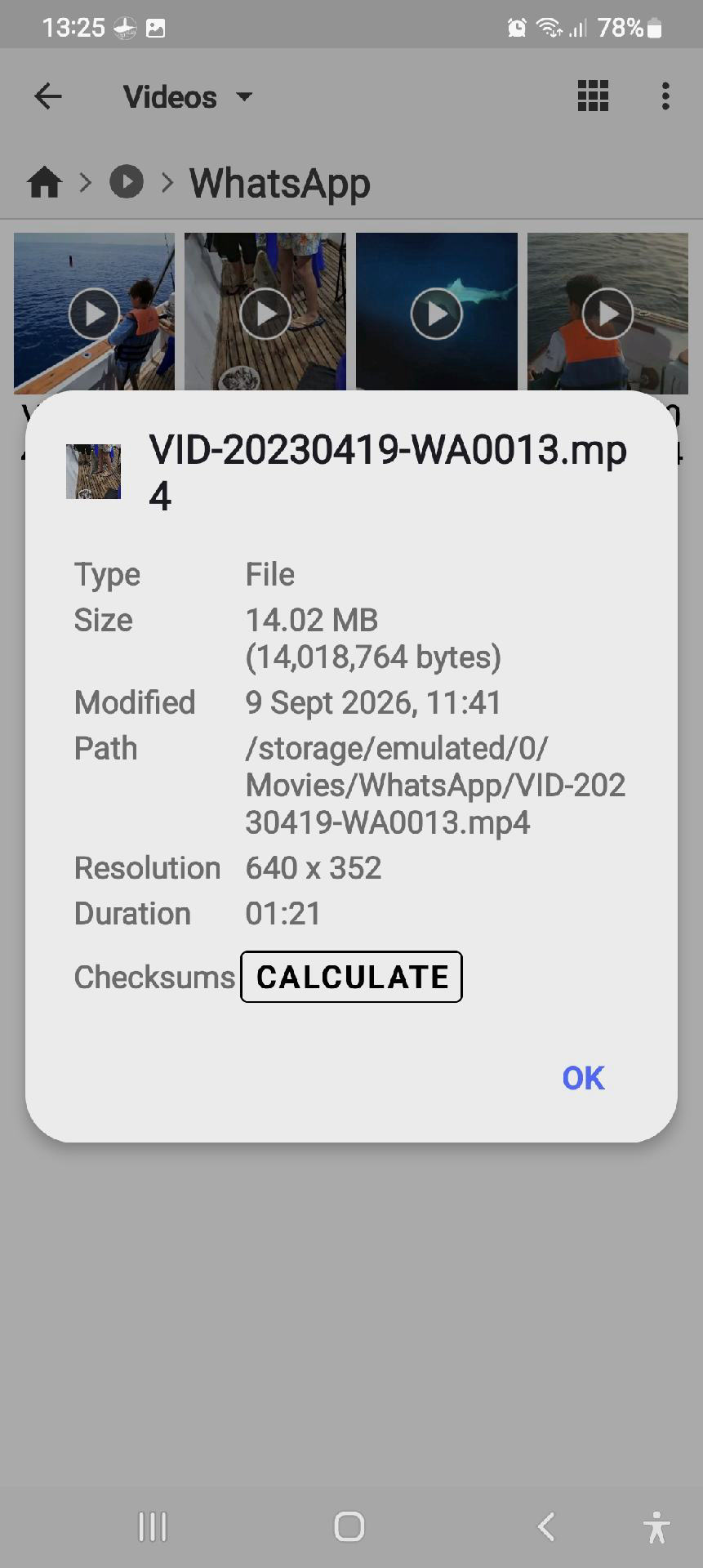
It looks like you put 1 minute limit.
I understand you need to keep the file size low, if this is the case, please add a message so that the user can decide what to do
Thanks again
Have a lovely day
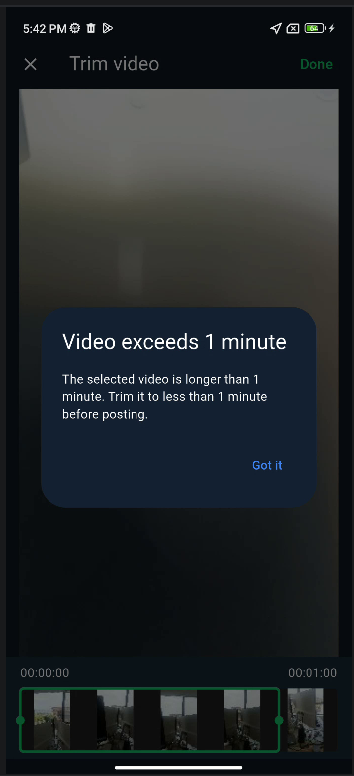
Yes, if a video is longer than 1 minute, the Trim Video screen will appear and the user will need to select a section of up to 1 minute.
As shown in the screenshot, I’ve now added a message to make this clearer so users know about the 1-minute limit before trimming.
Thanks again for testing and for the feedback. Have a lovely day too!
I think in general, when people are browsing the Catch Feed, they probably won’t watch a very long video from beginning to end anyway.
But in any case, if server capacity allows in the future, I’ll definitely consider increasing the video time limit.
Thanks again for the suggestion!
Thanks for letting me know. I’ll take a look at this when I have some time.
At the moment, I’m preparing an upgrade to the depth chart data, which may take a little while. During this period, I’m trying not to make changes to the app code so I can keep the current version stable.
I’ll come back to this media issue once the depth chart work is further along.
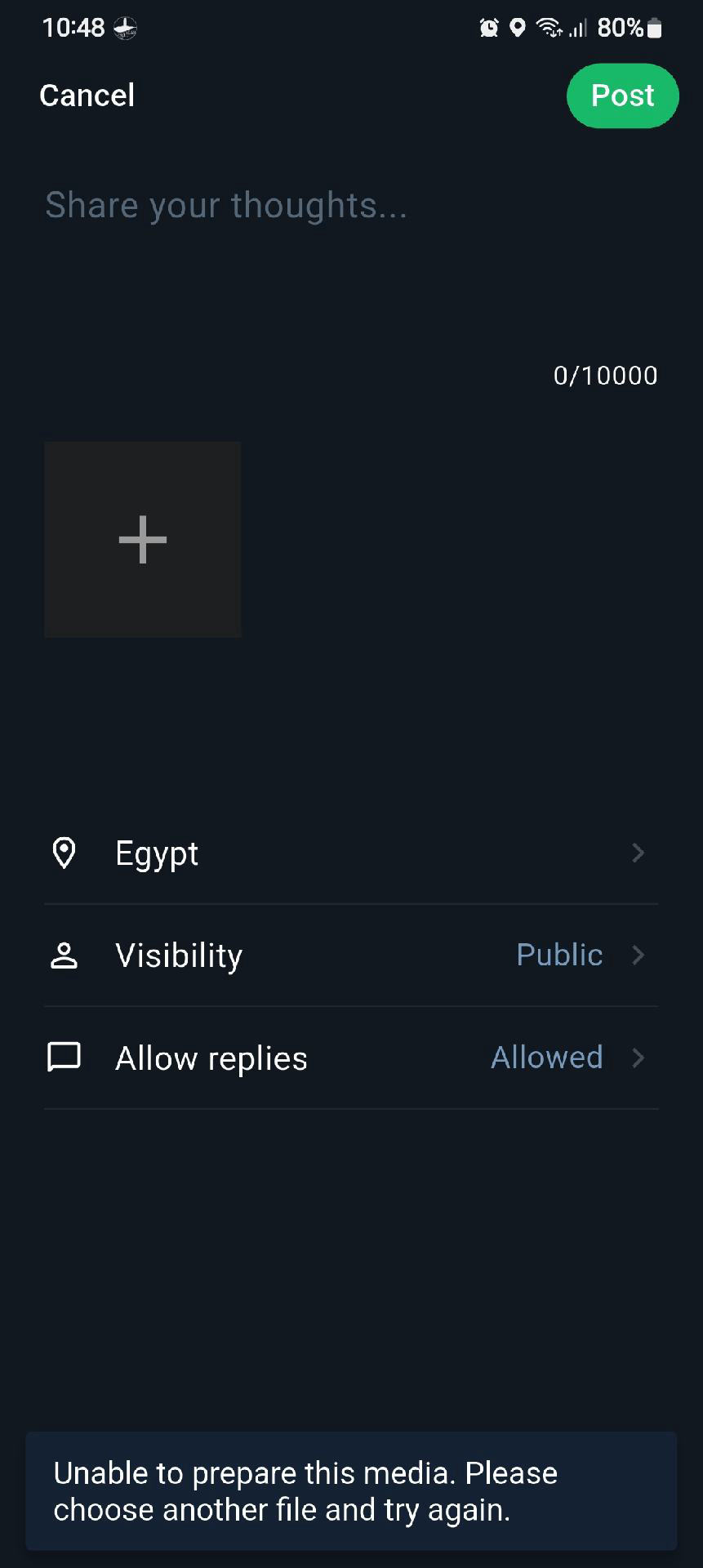
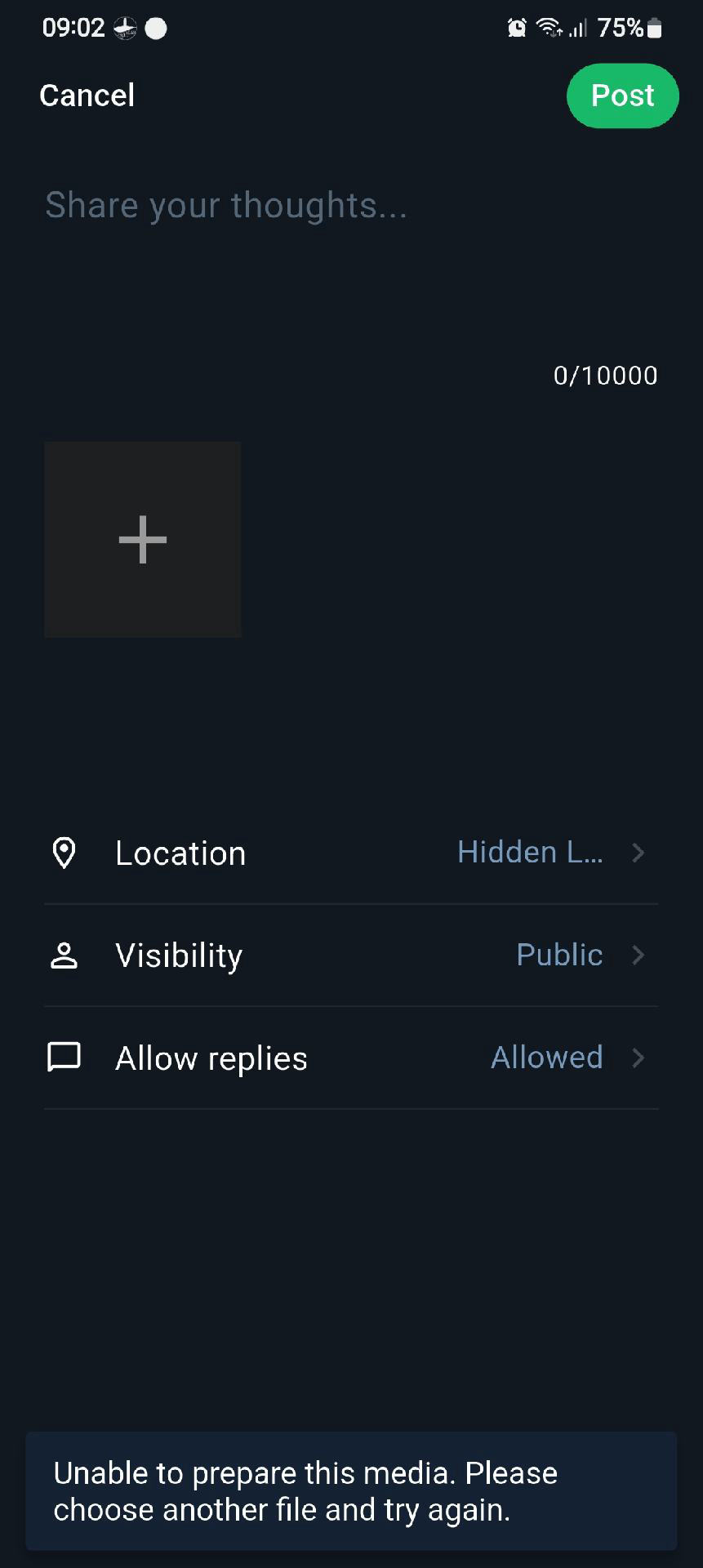
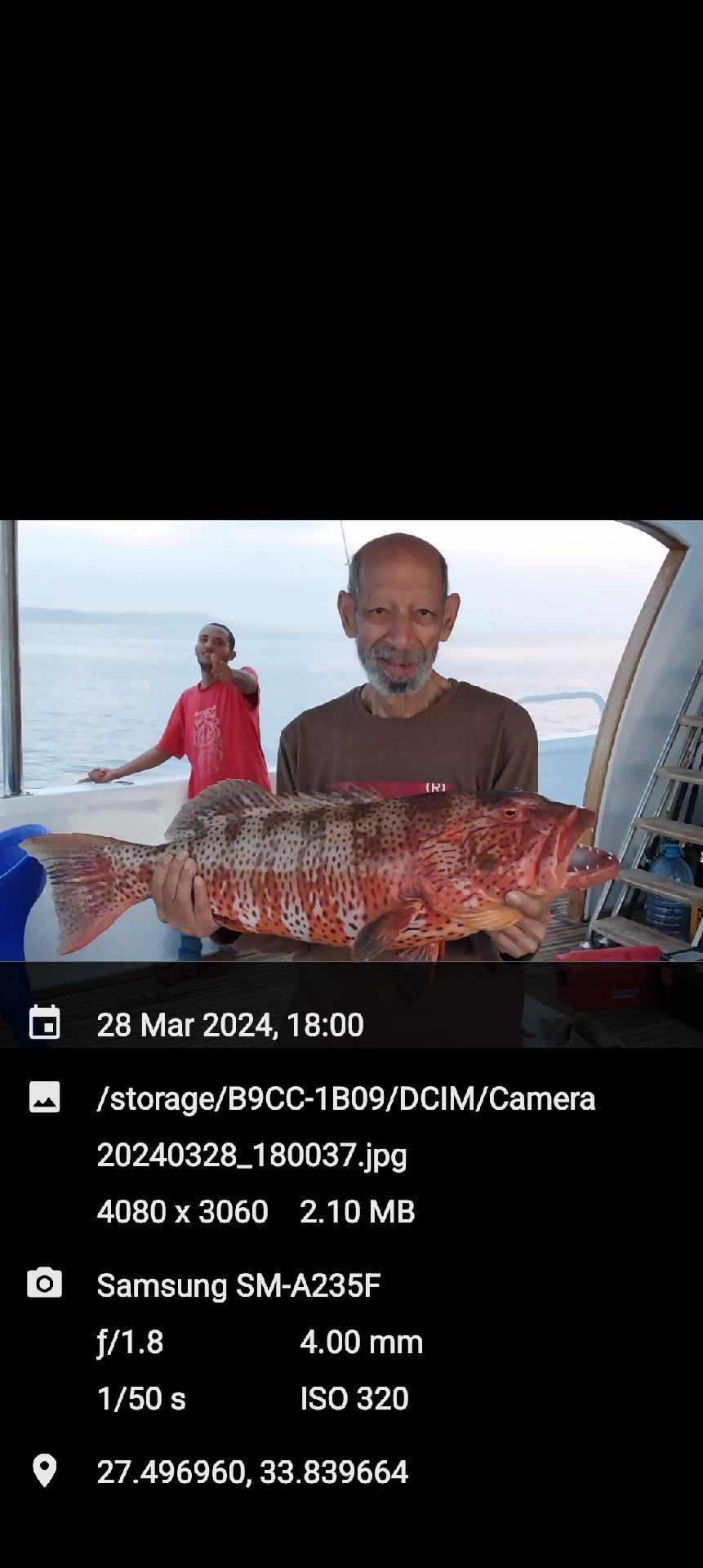
Thanks for your patience. I’ve fixed the issue that caused some high-resolution photos to show “Unable to prepare this media.”
The fix will be included in version 2.4.4. Please try uploading the photo again after updating, and let me know if you still have any trouble.

 SEA CHART /Community