Refinement: reports
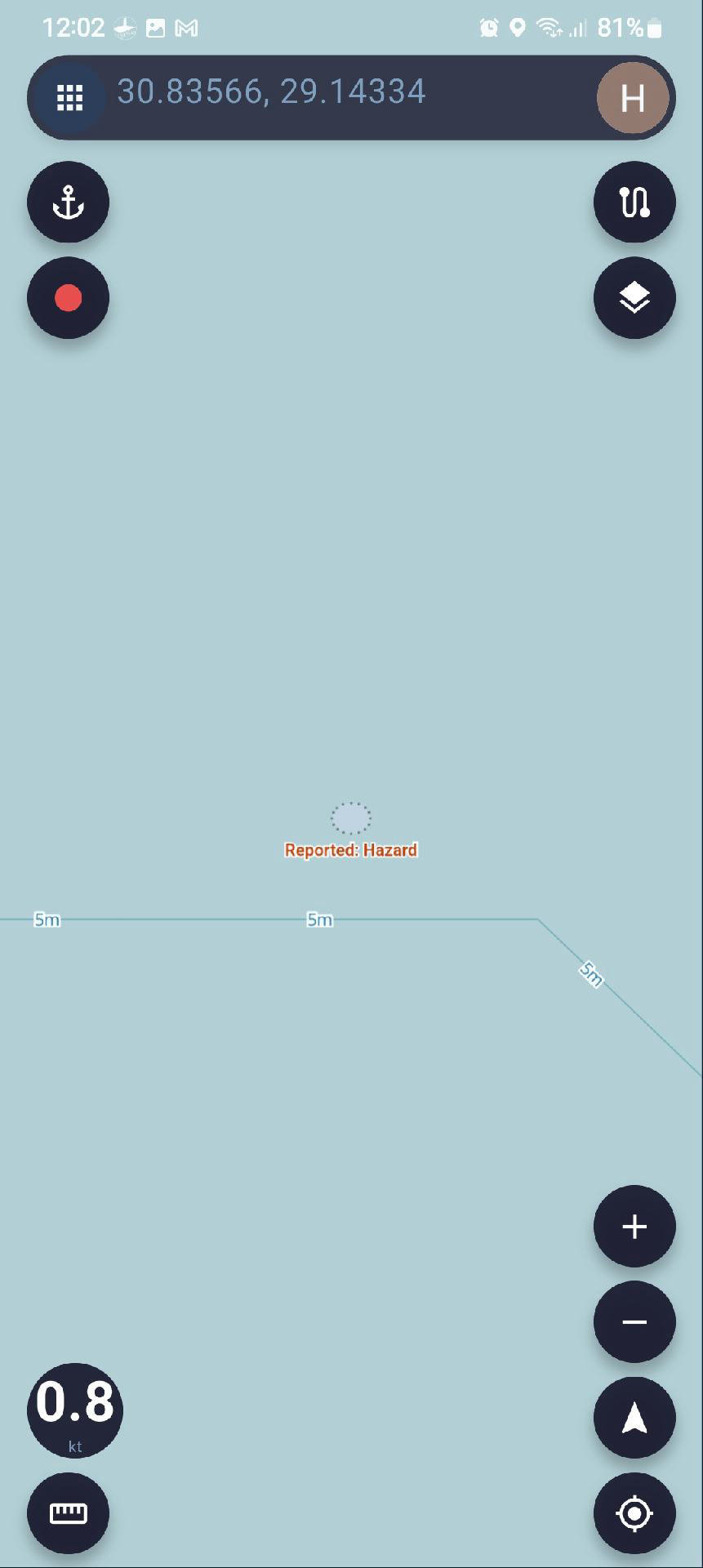
I did a quick test and reported a hypothetical hazard
the reported point appears on the map
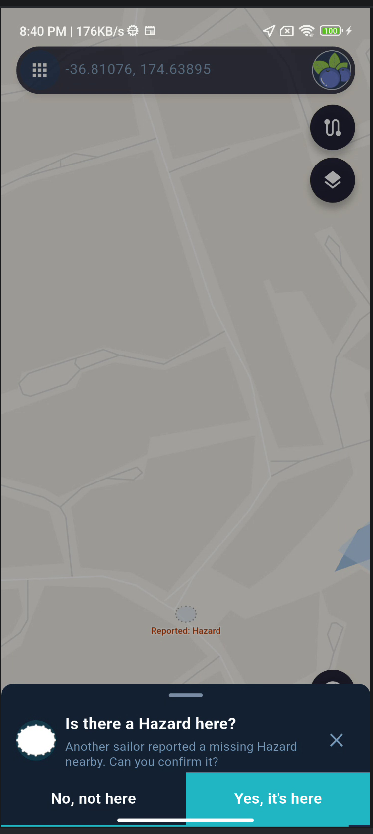
long press the point opens information panel
the point information is dimmed, very hard to read, and the whole panel automatically closes after about 3 seconds
The panel should remain open until dismissed to give the user the time to read the information and interact
Thanks
Thanks for reporting this. I’m not quite sure which information panel you’re referring to.
Could you please send me a screenshot of the panel, or describe exactly which reported point you selected and what you tapped to open it? That will help me identify the correct window and reproduce the issue.
Thanks!
The reported hazard appears on the map as a small circle titled reported hazard (see screen shot)
pressing the circle opens s small window at the bottom of the screen saying reported hazard with 2 buttons to confirm or reject
The window only stays open 2-3 seconds and disappears before I can take screenshot
30.835615, 29.143377
https://marine.aitinytools.com/map?lat=30.83561526912908&lng=29.143376911191012
This is location of the hazard
you can test yourself
thanks
I tested this on several devices but wasn’t able to reproduce the 2–3 second automatic closing you described.
I did find that the FacilityVotePromptCard is currently designed to close automatically after 60 seconds, so technically it does not remain open indefinitely until the user dismisses it.
However, there is no 2–3 second timeout in the code. If the panel is closing that quickly, it may be caused by another dismissal path, for example:
* Tapping or touching an empty area of the map clears the prompt.
* Tapping outside the bottom panel can dismiss it.
* Swiping the panel downward can also close it.
I’ll keep investigating this behavior.
I tested on tablet
Same behaviour, you can see progress bar at the bottom running from left to right 2 3 seconds then close
Can you temporarily disable auto closing until fixed
Thanks
Thank you very much for the video — it was extremely helpful.
I now suspect that the “Remove animations” or “Reduce motion” accessibility setting may be enabled on your Android device. This could explain why the progress bar finishes and the panel closes after only 2–3 seconds.
In the next version, I’ll change the implementation so the auto-close timer no longer depends on Android’s animation duration settings. That should make the behaviour consistent across all devices.
Thanks again for taking the time to record and send the video!
I’ve made an initial fix for this issue in version 2.3.3.
The auto-close timing is now handled separately from Android’s animation duration settings, so accessibility options such as “Remove animations” or “Reduce motion” should no longer cause the panel to close after only a few seconds.
Please let me know if you still see the same behaviour after updating to 2.3.3.
Thanks again for helping me track this down.
 SEA CHART