kml / gpx error
I exported kml and gpx to test
Tried to import back, gives import error. no explanation
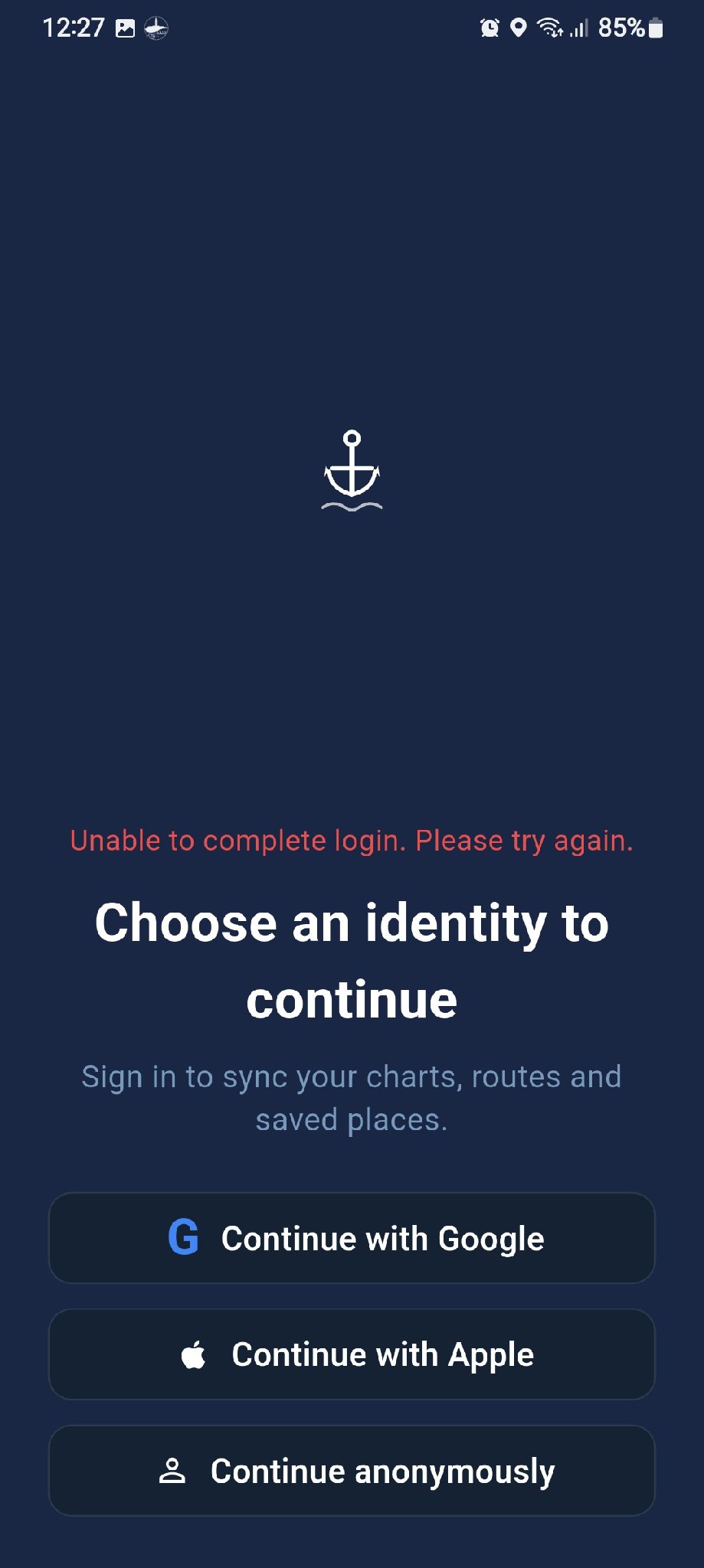
tried to open with seachar fro file manager, seachart starts but asks to login, and login fails ( see attached)
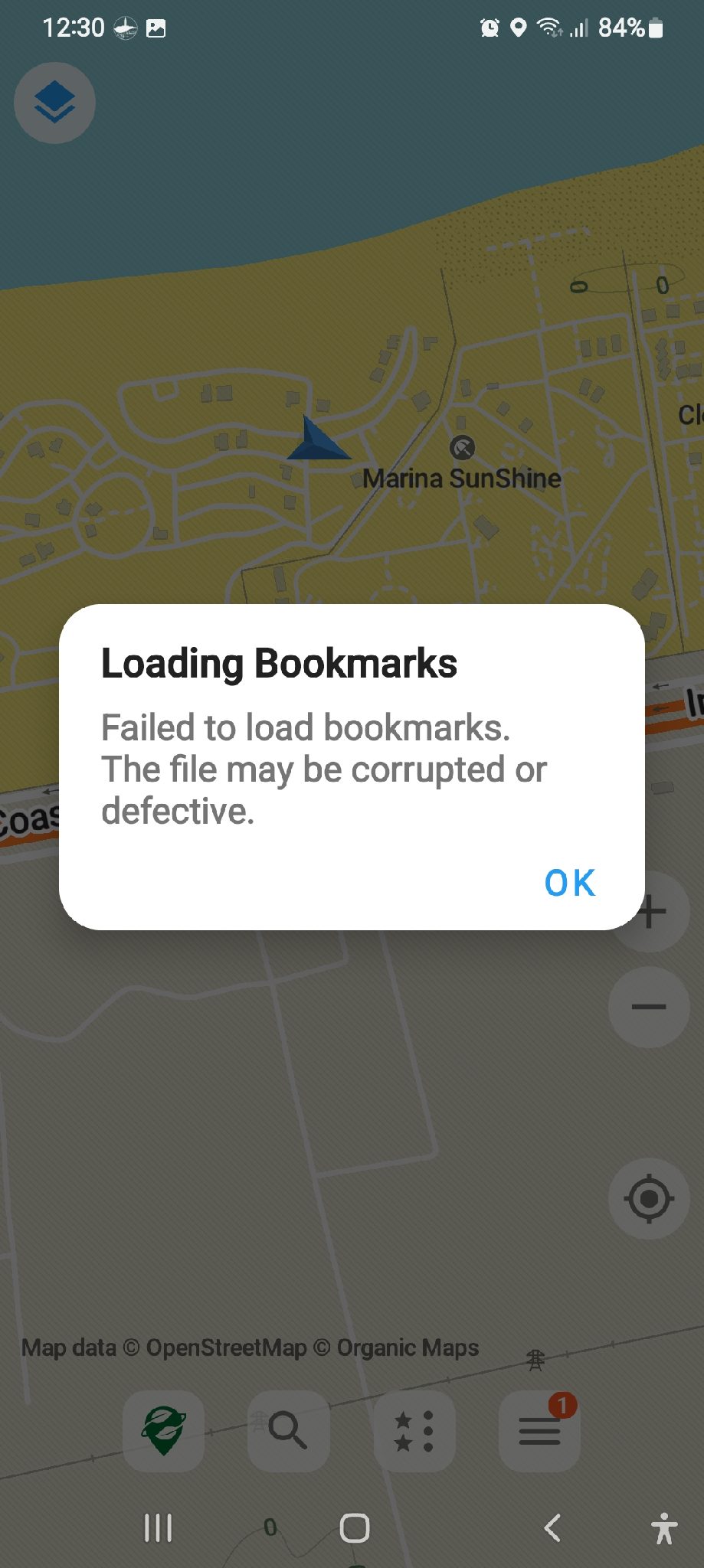
tried to open with organic maps, failed with error file is corrupt or malformed (see attached)
sorry for being such a nag
Good catch — this is my mistake. I started working on this feature earlier, but then got busy with other things and never finished it.
Would you be willing to share your GPX and KML files with me so I can test and fix the issue?
[email protected]
Thank you!
Thank you for the email. I checked the exported files, but they appear to be empty and don’t seem to contain any route data.
Could you please check whether you currently have any saved routes available to export? I’ll also take another look at the export code on my side to see what might be happening.
And please don’t worry at all about sending messages or feedback — it’s not a bother. I’ll reply and work through things when I have time. If my replies are sometimes a little slow, I hope you can understand. I’ve been a bit overwhelmed recently dealing with all the changes and review requirements for getting the iOS version through the Apple App Store , so Android updates may be a little slower for the time being.
Thanks again for helping test the app. All the best!
In previous versions, the export function only supported routes.
Starting from version 2.3.0, I’ve added support for exporting saved locations as well.
 SEA CHART